
Best Closed-Back Headphones for a Home Desk
Five wired, closed-back options for a home desk, with practical advice on cables, source compatibility and the fit you cannot judge from a spec sheet.
In this guide
- Start with the desk you actually have
- The five options at a glance
- Sony MDR-7506: a straightforward listening setup
- Audio-Technica ATH-M50x: choose your cable length
- beyerdynamic DT 770 PRO 80 Ohm: identify the exact version
- Shure SRH840A: a replaceable, locking connection
- Sennheiser HD 620S: check the source before the upgrade
- Build the connection before choosing the extras
- Give comfort its own trial
- What to check before you order
- Common questions
Start with the desk you actually have
The best closed-back headphones for your home desk are the ones you can wear comfortably, connect without fuss, and put away without untangling your whole workspace. Our shortlist covers five wired models with different cable arrangements and buying considerations, rather than naming a listening-test winner we cannot substantiate.
If your laptop is your only source and your workday includes calls, start by checking the connection and microphone separately. A headphone jack carries listening audio, but that does not automatically turn a pair of studio headphones into a meeting headset.
Audio Talk Editorial researched the manufacturers' product pages and documentation for this guide. We have not measured these headphones, compared their sound in a controlled listening session, or established which one will fit your head best.
These picks make sense for seated listening, editing, and a shared home workspace where an open-back design may be inconvenient. If your real problem is a noisy flight or your main requirement is walking around during calls, use our travel-headphone guide instead.

The five options at a glance
| Model | Why shortlist it | Check first |
|---|---|---|
| Sony MDR-7506 | Simple wired listening | Connection and daily fit |
| Audio-Technica ATH-M50x | Three detachable cables | Useful cable length |
| DT 770 PRO 80 Ohm | Replaceable pads | Exact version and source |
| Shure SRH840A | Locking detachable cable | Cable routing |
| Sennheiser HD 620S | Dedicated listening setup | Source compatibility |
Read the labels as starting points for a decision, not awards for sound quality. For example, a detachable cable is useful if you regularly pack your headphones, while replaceable pads matter if you plan to keep a pair through several years of daily use.
Before comparing prices, include any USB audio adapter, separate microphone, replacement cable, or amplifier your setup actually needs. The least expensive headphone on its own can become the more awkward purchase once you add those pieces.
Sony MDR-7506: a straightforward listening setup
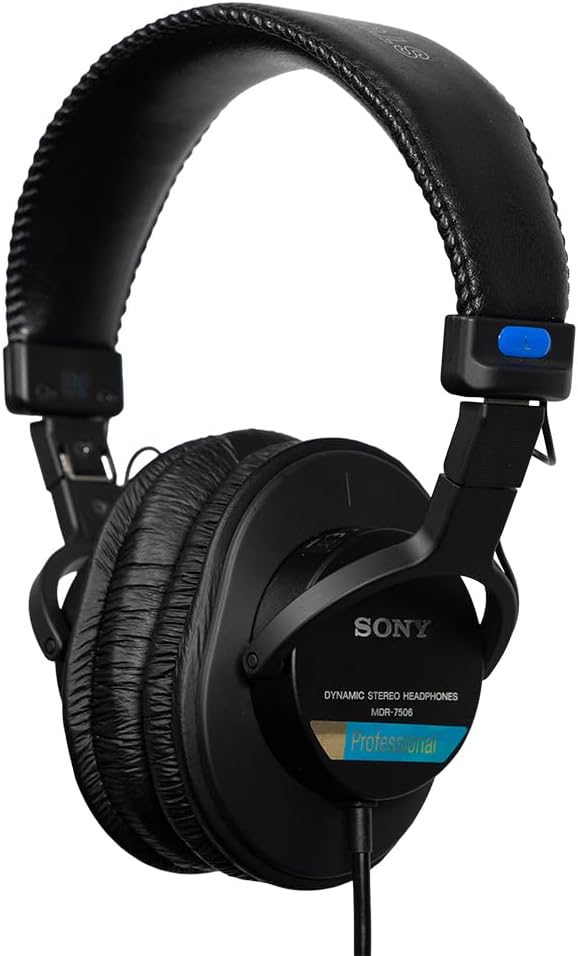
Sony documents a closed-ear design, folding construction, and an included adapter for 3.5 mm and 6.3 mm connections. Those basics make the MDR-7506 worth considering when you want a familiar wired connection rather than a phone app or a charging routine.
Its appeal here is practical simplicity. If your desk already has a suitable headphone output and you mostly sit in one place, you can focus your trial period on fit and everyday handling rather than pairing devices.
Do not treat its studio reputation as proof that you will enjoy every recording through it. Bring a few tracks you know, listen at a comfortable level, and notice whether you start taking the headphones off more often than expected.
We would shortlist it for a reader who wants a basic listening tool and is happy to handle calls through a separate microphone. We would choose another approach if wireless movement or an integrated call system is central to the purchase.
Audio-Technica ATH-M50x: choose your cable length
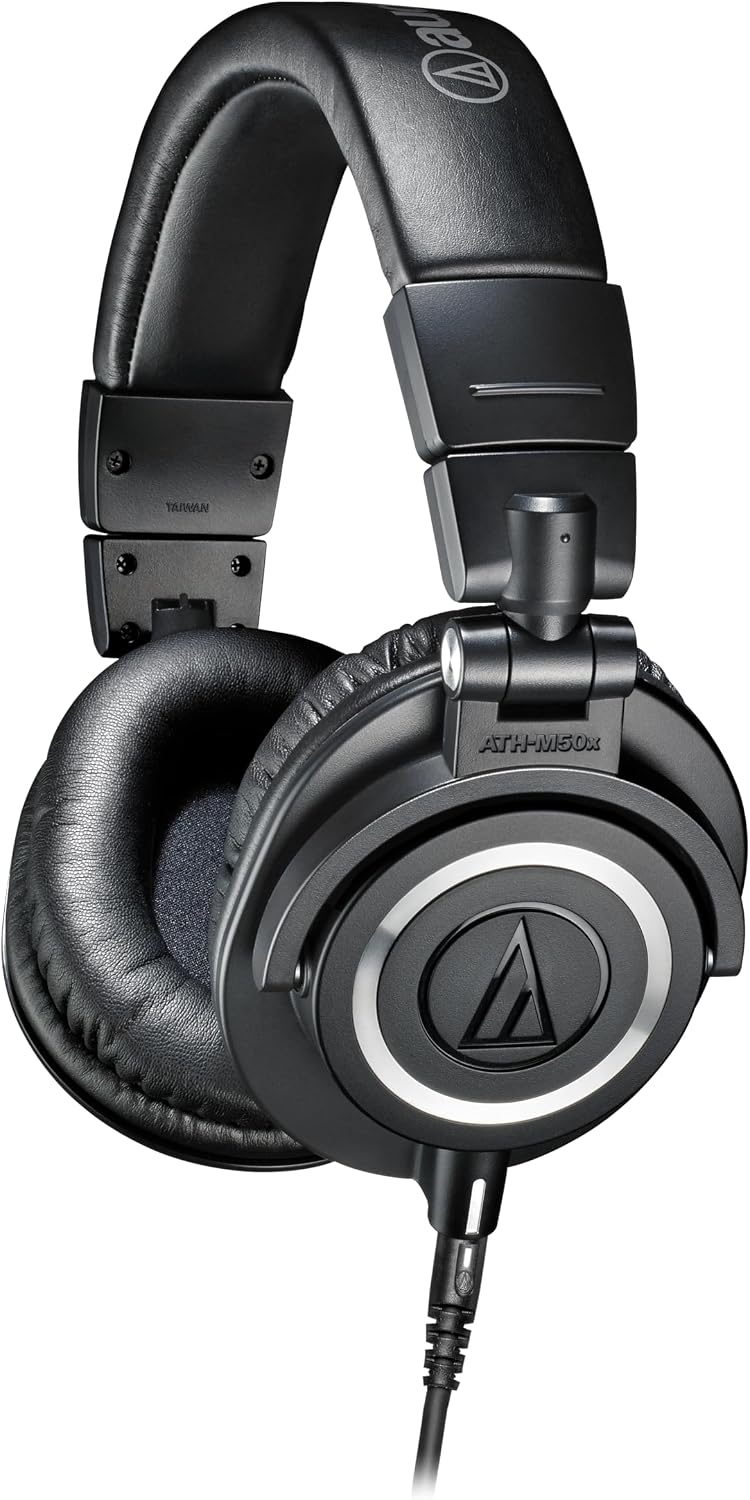
Audio-Technica includes three detachable cables with the standard ATH-M50x: a short straight cable, a longer straight cable, and a coiled cable. The manufacturer also specifies a folding design and swiveling earcups.
That cable choice can solve a surprisingly ordinary problem. A laptop beside your keyboard needs a different cable run than an audio interface sitting behind a display, and excess cable hanging across your mouse area gets irritating quickly.
Check the replacement connector before assuming any cable with a familiar-looking plug will fit. A detachable cable is a maintenance advantage only when you can obtain a compatible replacement without turning it into a research project.
The ATH-M50x is our conditional pick for readers who move between a compact desk and a longer studio connection. Its features do not establish a universal comfort or tonal advantage, so give it a real wearing trial with your glasses and normal chair position.
beyerdynamic DT 770 PRO 80 Ohm: identify the exact version
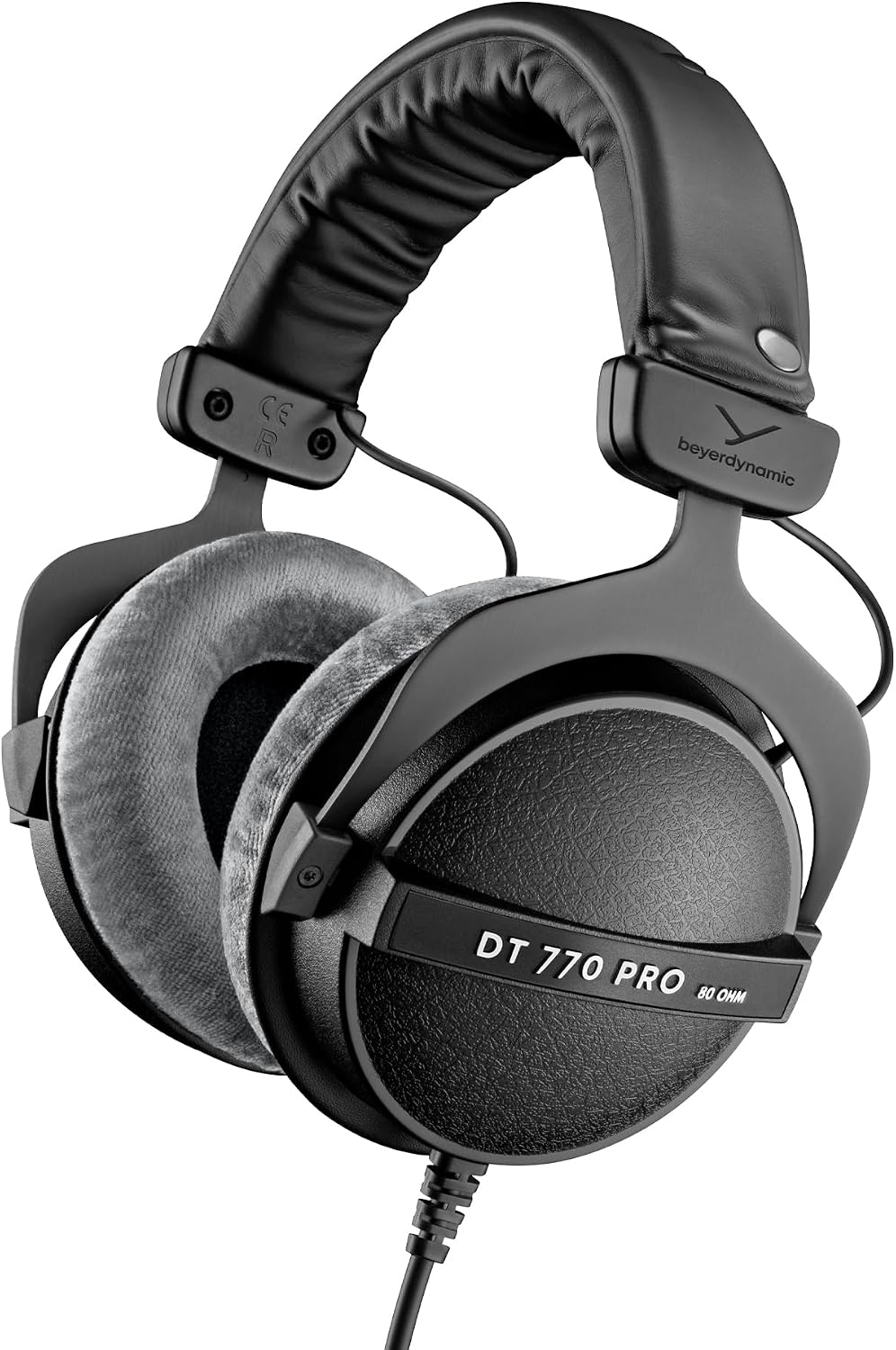
This recommendation is specifically the DT 770 PRO at 80 Ohm, not the 32 Ohm, 250 Ohm, or PRO X version. beyerdynamic lists replaceable velour pads, a wired connection, and no remote for the selected model.
The version detail matters when you compare a listing or discuss compatibility with a seller. A similar product photo is not enough to establish that two offers have the same electrical requirements or cable arrangement.
We would consider this pair when you already have a headphone output you can evaluate and value accessible pad replacement. If you use a small USB dongle, try the combination before assuming it will give you the volume and control you want.
An impedance number alone cannot answer that question. Ask about the complete headphone-and-source combination, and avoid buying an amplifier merely because someone has described 80 Ohm as a quality tier.
Shure SRH840A: a replaceable, locking connection
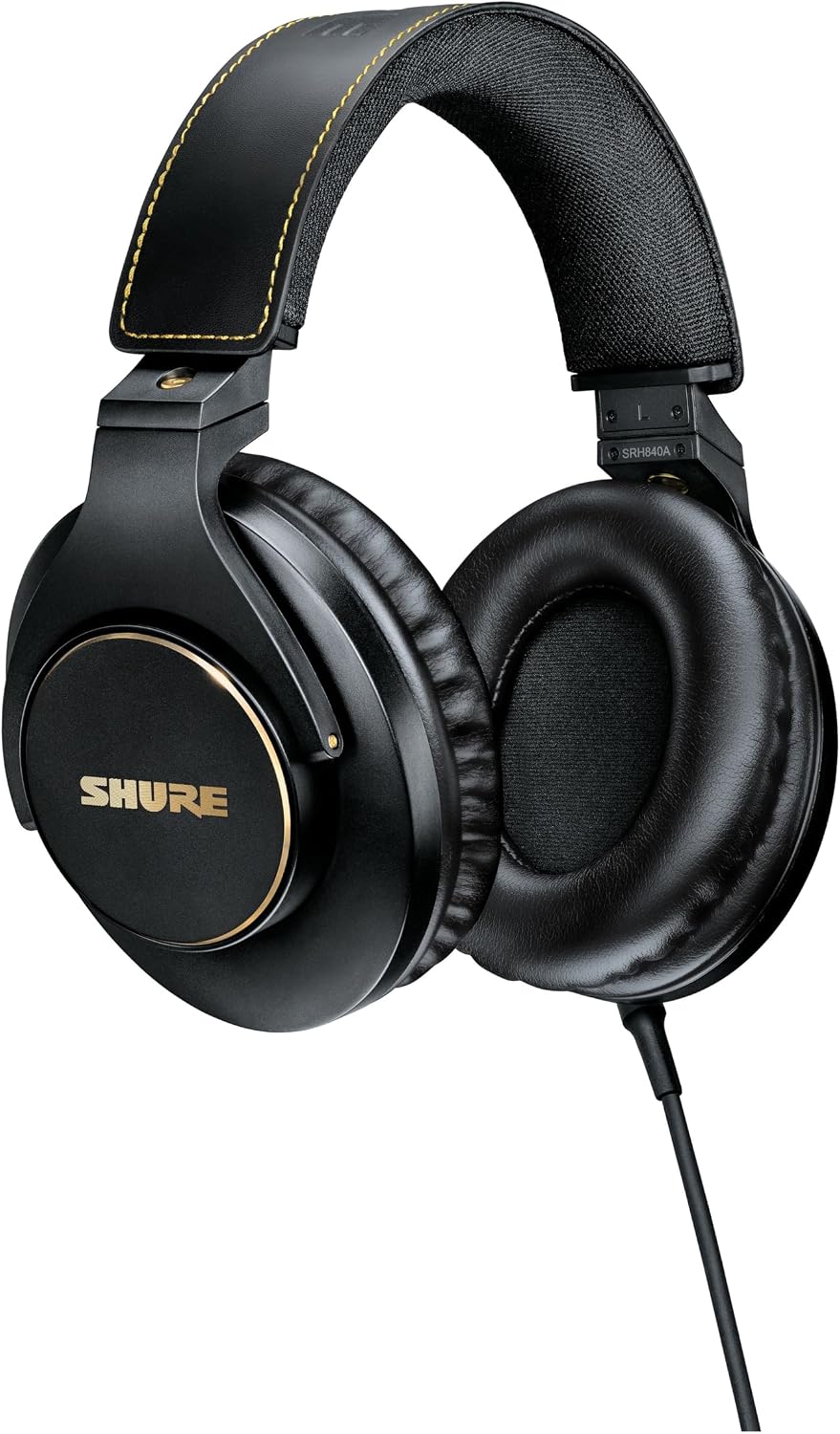
Shure's SRH840A manual specifies a detachable locking straight cable, a closed-back design, and folding for storage. The included cable is approximately 9.8 feet long, so plan where its spare length will sit on a small desk.
The locking connection is a reason to consider this model if cable handling is a frequent nuisance in your setup. It also gives you a specific replacement part to investigate rather than relying on an unspecified universal cable.
Think about your routine before deciding that a secure connector is always an advantage. If you often stand up while still wearing headphones, make it a habit to take them off first rather than expecting a connection to release in a particular way.
We would shortlist the SRH840A for a stationary desk where you want a documented maintenance path. Be sure the listing says SRH840A, since reviews and accessories for the older SRH840 can make shopping results confusing.
Sennheiser HD 620S: check the source before the upgrade
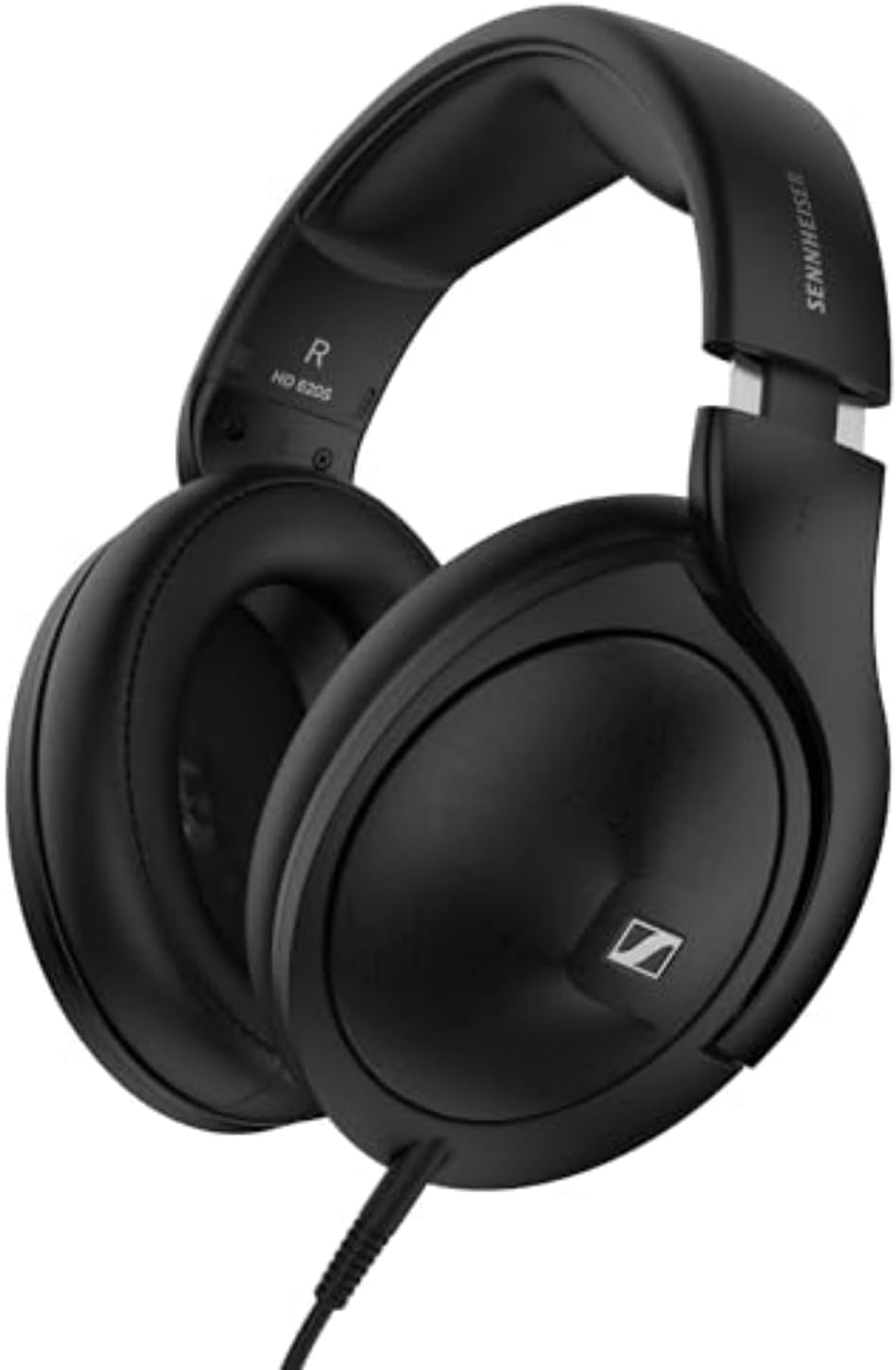
Sennheiser specifies a 150 Ohm closed-back design, angled transducers, and an included detachable 1.8-meter cable with an adapter. That gives the HD 620S a different set of source and setup questions from a casual wireless headphone purchase.
We would consider it for a listening desk where you already know your source equipment and want to evaluate a more deliberate headphone setup. Its design claims are reasons to audition it, not evidence that we have heard a wider soundstage than the other picks.
If you are upgrading from a phone dongle, evaluate the headphone with that dongle first or obtain a retailer's compatibility advice. Spending more on the headphone does not make an unnecessary amplifier bundle a better value.
Allow time to judge pressure, ear space, and whether the cable sits naturally at your desk. If its fit or source requirements complicate a simple daily routine, one of the other options may be the more sensible purchase.
Build the connection before choosing the extras
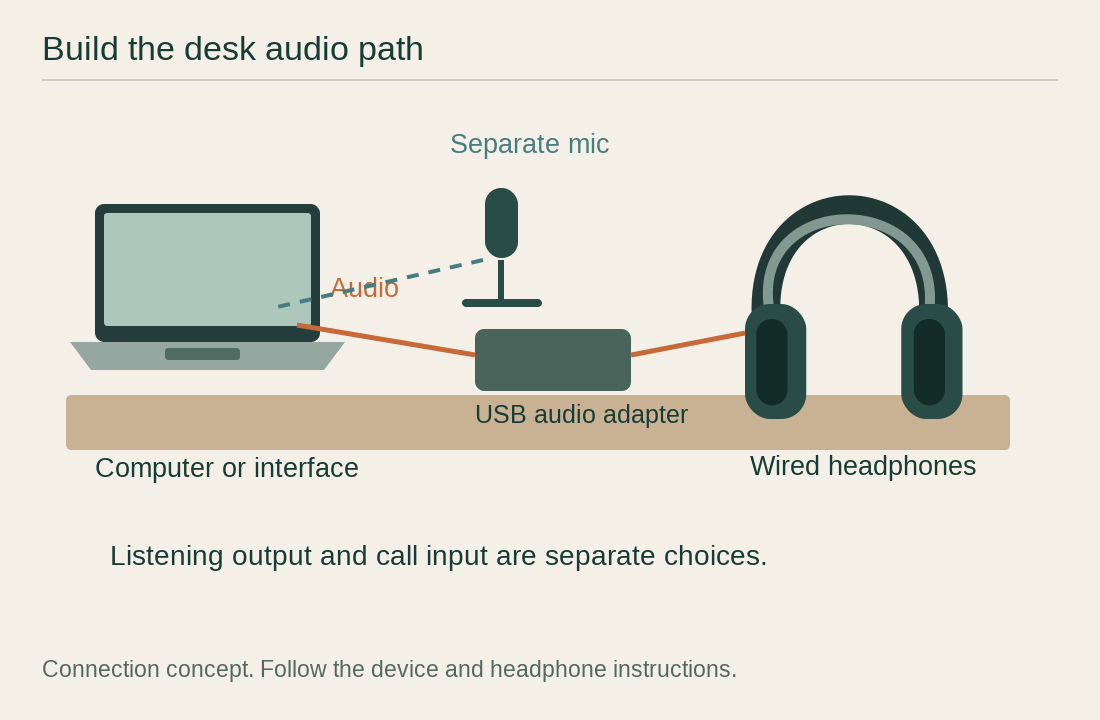
Start at the device and follow the path to the headphone. A computer with a working headphone jack may need nothing extra for listening; a USB-only device may need a compatible USB audio adapter or interface.
Check whether you are buying an audio adapter rather than a charge-only accessory, and confirm that it works with your operating system. The connector shape tells you how it plugs in, not everything it does.
For meetings, select the microphone explicitly in your calling software and make a short recording. You can have excellent listening audio while the app is still using a distant laptop microphone.
Keep the cable away from chair wheels and route it where your arm will not catch it. Leave enough movement for turning toward a second display without making the cable taut, and place spare length where it will stay clear of your feet.
Give comfort its own trial
Try the headphones with the glasses, hairstyle, and chair you normally use. A comfortable first minute does not tell you what an afternoon feels like, so check the retailer's return conditions before committing.
During the trial, notice pressure on your temples, contact around your ears, heat, and how often you need to readjust the headband. Write down the specific problem rather than reducing everything to a single comfort score.
Use a few familiar recordings and keep the level sensible when comparing pairs. A louder presentation can be more immediately impressive without being the one you want for a long work session.
Also check your actual desk tasks: typing, turning your head, taking a call, and reaching for a drink. If the headphones make those ordinary movements awkward, that is useful information even when the specifications look excellent.
What to check before you order
Verify the full model name, impedance where applicable, included cable, condition, and seller's return policy. Our product links identify the researched listings, but a retailer can change the displayed offer, selected variant, or bundle.
Look up pad and cable availability while the product is still in your shopping list. A small maintenance purchase later should be predictable, and the manufacturer is a better starting point than an accessory listing that promises to fit many models.
If two options both fit your source and your head, choose based on the daily detail that matters most: cable length, storage, or replacement parts. You do not need to solve every theoretical audio question to make a good desk purchase.
Common questions
Do I need a headphone amplifier?
Only add one when the actual source-and-headphone combination calls for it. First check whether you can reach a comfortable listening level with useful adjustment range, without treating maximum loudness as the goal.
Will closed-back headphones make the room silent?
Do not expect complete silence or assume that a closed shell includes electronic noise cancellation. If background noise is the purchase driver, compare a suitable ANC model and its wearing comfort as a separate decision.
Can I use these as a work headset?
Plan the microphone separately for the standard wired configurations described here. Test a complete call before a busy workday so that input selection, adapters, and cable routing are already settled.
Sources & research notes
Product details checked October 14, 2026. Manufacturer descriptions establish documented features; our conditional choices and setup examples are original editorial analysis. We have not conducted hands-on performance tests. Current offers can change.
- Sony MDR-7506 manufacturer documentation — Closed-ear, folding, included connection adapter
- Audio-Technica ATH-M50x manufacturer documentation — Three detachable cables, folding and swiveling earcups
- beyerdynamic DT 770 PRO 80 Ohm manufacturer documentation — Exact 80 Ohm version, replaceable pads, no remote
- Shure SRH840A manufacturer documentation — Manual version 3.4, locking detachable 3 m straight cable, storage
- Sennheiser HD 620S manufacturer documentation — 150 Ohm, angled transducers, detachable 1.8 m cable
Product images are the inspected Amazon listing’s first/main images, used on the basis of the site owner’s authorization confirmation. Scene-photo credits appear beside each photo.