
Best Compact Powered Speakers for a Small Desk
Five powered stereo pairs for a small desk, compared by connection, controls and setup tradeoffs—with the power-supply details that are easy to miss.
In this guide
- Measure the space, then choose the connection
- Five pairs, five useful starting points
- Edifier M60: a direct computer connection
- Kanto UKI: convenient access to headphones
- Audioengine A2+ Gen 3: verify the generation
- Mackie CR3.5: a useful analog-first option
- Creative Pebble Pro: check the power arrangement
- Place the pair where you listen
- Check quiet use and ordinary work tasks
- Add a subwoofer only for a specific reason
- Before you order
- Common questions
Measure the space, then choose the connection
The best compact powered speakers for a small desk should fit beside your display without turning the keyboard area into an obstacle course. They also need a connection and volume control that make sense for the way you switch between music, calls, and quiet work.
Our shortlist includes five powered stereo pairs: Edifier M60, Kanto UKI, Audioengine A2+ Gen 3, Mackie CR3.5, and Creative Pebble Pro. They solve different setup problems, so we have organized the choices around practical reasons to consider each one.
Audio Talk Editorial checked manufacturer documentation and corresponding product listings. We have not measured desk reflections, bass output, noise, or listening performance for these speakers, and the recommendations below are conditional choices rather than laboratory rankings.
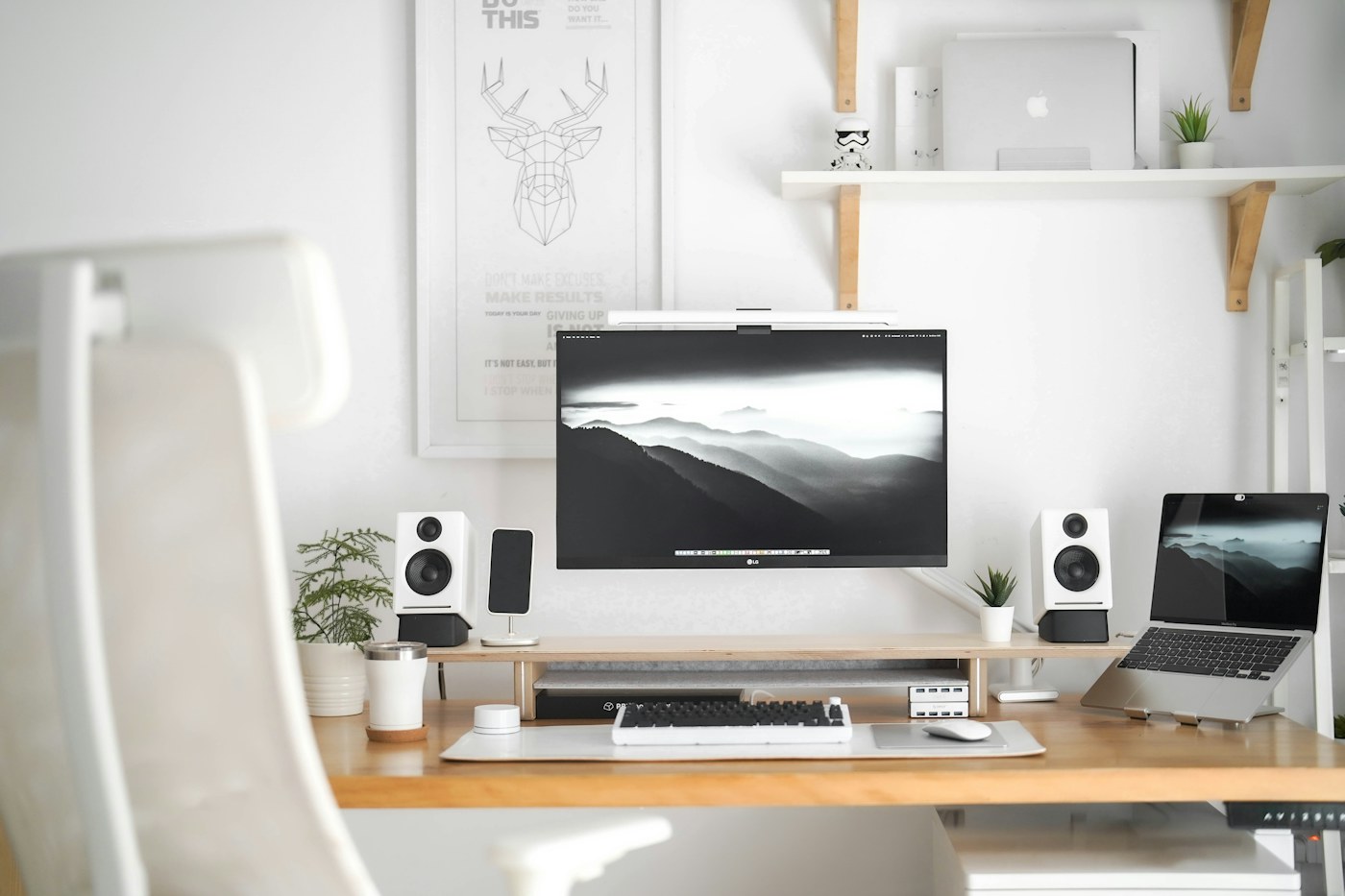
Start by clearing two speaker positions on your desk and tracing the cable path from your computer. Include space behind each cabinet for connections, plus any external power supply; a compact speaker does not make every part of the system disappear.
Five pairs, five useful starting points
| Model | Source connection | Why consider it |
|---|---|---|
| Edifier M60 | USB-C / Bluetooth / analog | Direct computer setup |
| Kanto UKI | USB-C / Bluetooth / RCA | Headphone access and orientation |
| Audioengine A2+ Gen 3 | USB-C / Bluetooth / analog | Compact, multiple-source plan |
| Mackie CR3.5 | TRS / RCA / 3.5 mm | Existing analog equipment |
| Creative Pebble Pro | USB audio / Bluetooth / analog | USB-powered arrangement; verify supply |
For most readers, the quickest decision is whether the computer should connect directly by USB audio or through an existing analog output. If you already own an audio interface, that changes the shortlist compared with a USB-only laptop.
Bluetooth can be convenient for a phone, but check your actual work tasks on the intended connection. A music feature list does not establish how well a setup will suit video editing, conferencing, or any other time-sensitive use.
Edifier M60: a direct computer connection
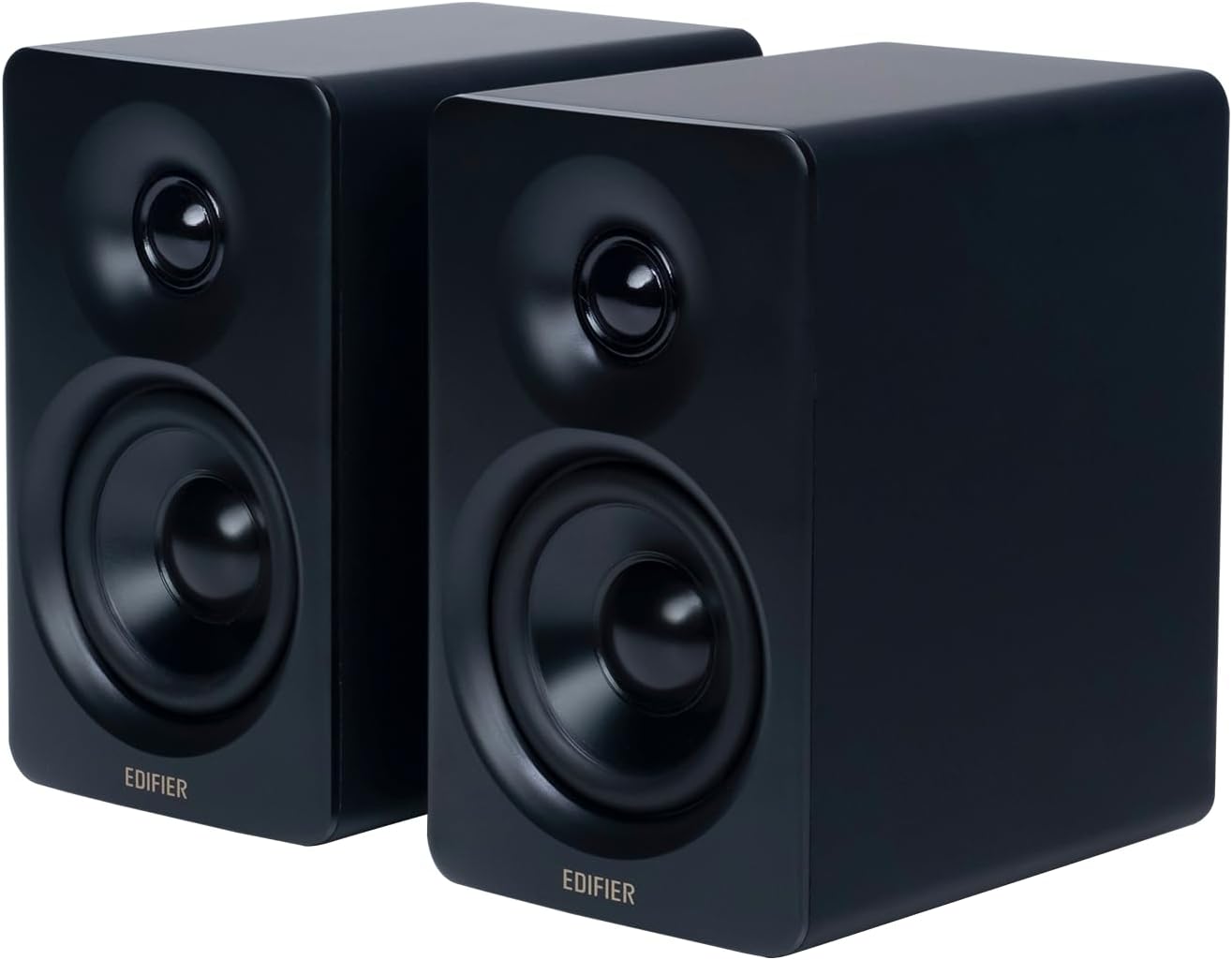
The M60 supports USB-C, Bluetooth, and an analog input. That connection choice is the reason it appears on this desk-focused shortlist.
We would consider it when you want the computer connected directly and also occasionally listen from another device. Before purchasing, map which device uses each input and how you will select it during a normal workday.
Put the proposed speaker positions on both sides of your screen and check that the right cabinet will not compete with a mouse pad, lamp, or notebook. If the available spaces are uneven, rearranging the desk may help more than choosing from similar-looking specifications.
Judge the actual pair at the levels you use while working, including quiet background listening. There is no need to prove how loud a small desk system can get if your main goal is pleasant, predictable everyday use.
Kanto UKI: convenient access to headphones
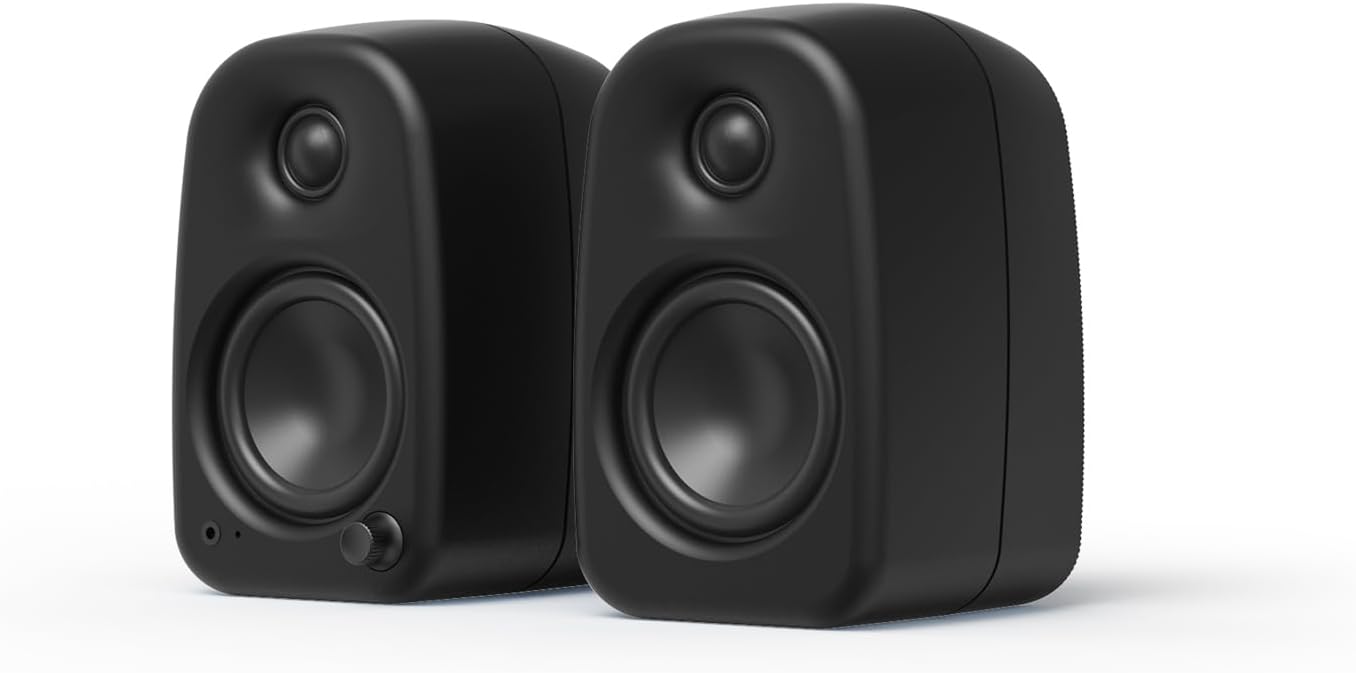
Kanto UKI combines USB-C audio, Bluetooth, and RCA line input with a headphone output. Kanto also documents left/right orientation switching and automatic crossover behavior when a subwoofer is connected.
The headphone access is a useful reason to consider this pair if your listening changes when someone enters the room. Think about which side of the desk puts the control and headphone cable within reach without crossing your keyboard.
Its subwoofer feature should be treated as an option, not a requirement to buy more equipment immediately. Start with the pair and your normal listening material, then decide whether your space and preferences justify adding a powered subwoofer.
We would shortlist UKI for someone who values these everyday control choices. We would still check physical fit and the exact inputs, rather than assuming a compact cabinet automatically means the setup is right for every desk.
Audioengine A2+ Gen 3: verify the generation
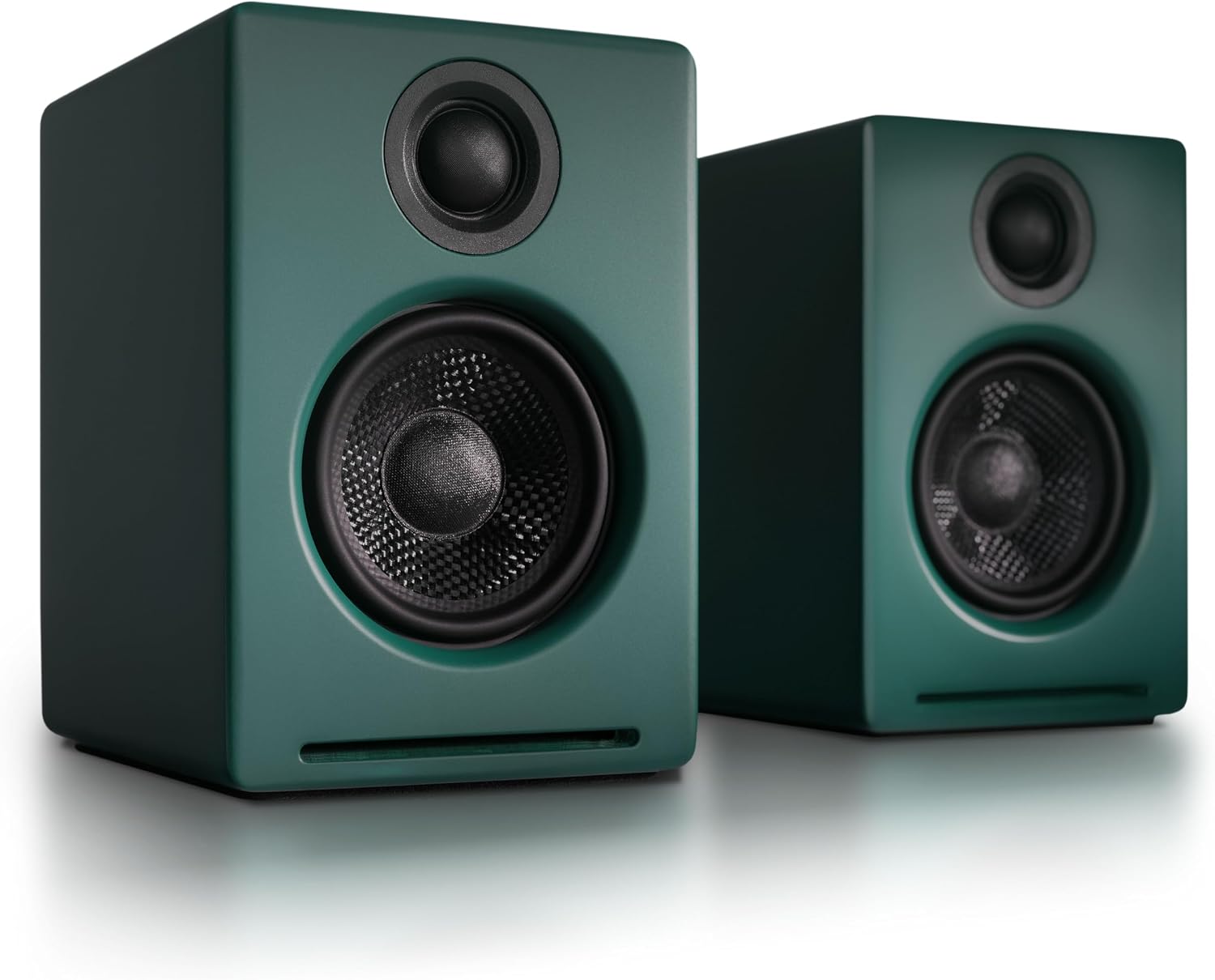
The current A2+ Gen 3 documentation lists USB-C, Bluetooth, RCA, and 3.5 mm inputs, plus a variable RCA output. This recommendation identifies Gen 3, since older A2+ listings and accessories can appear alongside the current model.
Audioengine's official specifications and the inspected Amazon title disagree on the Bluetooth version number, so we have omitted that number. The useful purchase question here is whether the actual generation, inputs, and accessories match the setup you intend to build.
We would consider this pair when you want a compact computer system with several source options and a documented analog output for future expansion. Check the generation on the listing, packaging, and retailer's confirmation instead of relying on a reused product photo.
If you mostly change volume at the speaker, evaluate whether its control placement suits your desk. A cabinet that fits beautifully beside a monitor can still be inconvenient when an everyday control is hard to reach.
Mackie CR3.5: a useful analog-first option
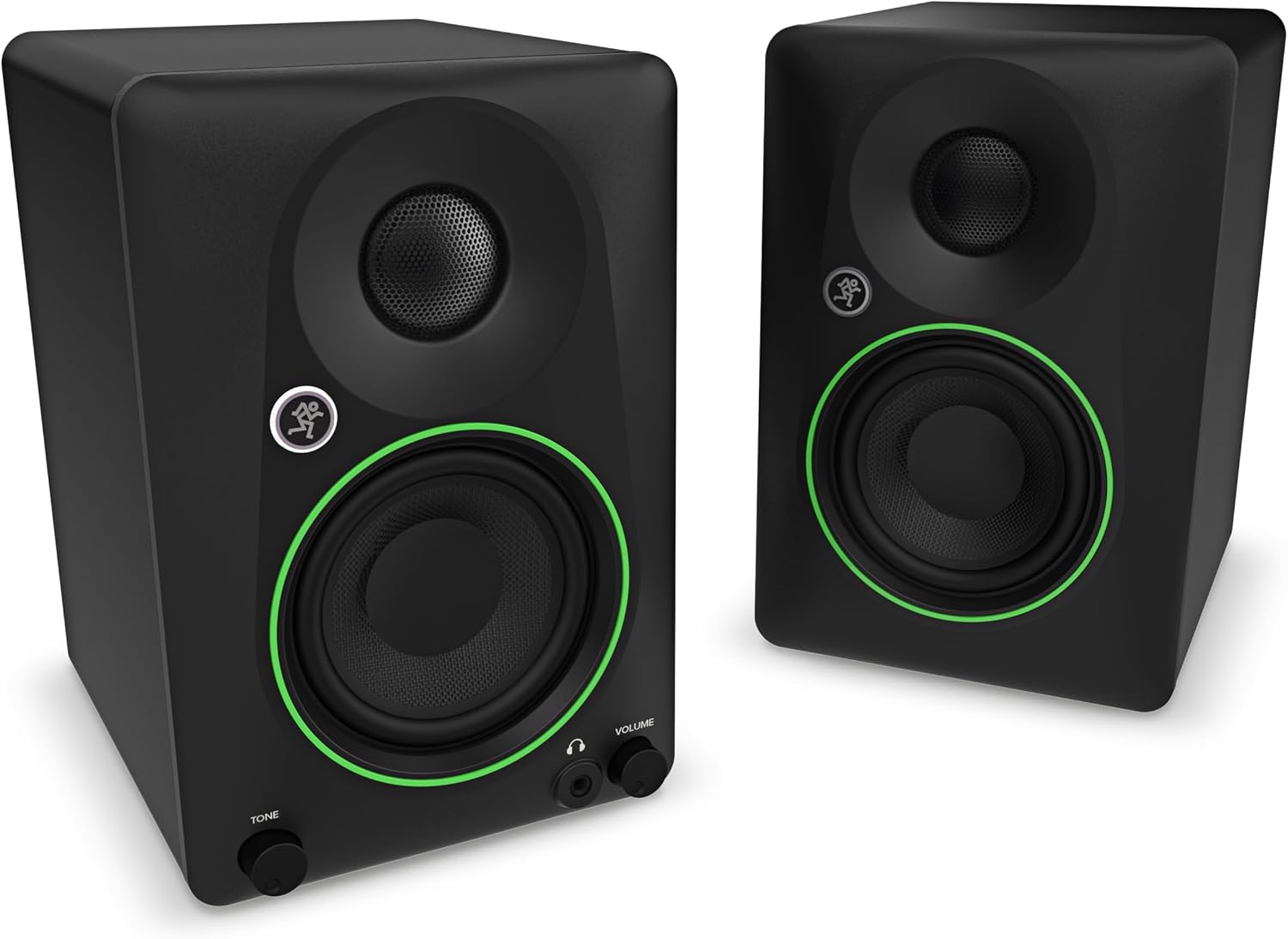
Mackie's CR3.5 offers TRS, RCA, and 3.5 mm inputs, a headphone output, a tone control, and a desktop/bookshelf location switch. Our selected pair is the wired CR3.5, not the separate CR3.5BT version.
That makes it worth considering when an audio interface or another analog source is already part of your workspace. You can choose the appropriate documented input without buying a USB feature that duplicates equipment you already use.
The tone control gives you an adjustment to explore, but its existence does not establish a flat monitoring response in your room. If you edit audio, make deliberate setting choices and compare your work on more than one suitable playback system.
This pair also needs more physical space than the smallest options in the shortlist. Measure its full cabinet footprint and leave cable room before choosing it for a desk whose remaining space is only a narrow strip beside the display.
Creative Pebble Pro: check the power arrangement
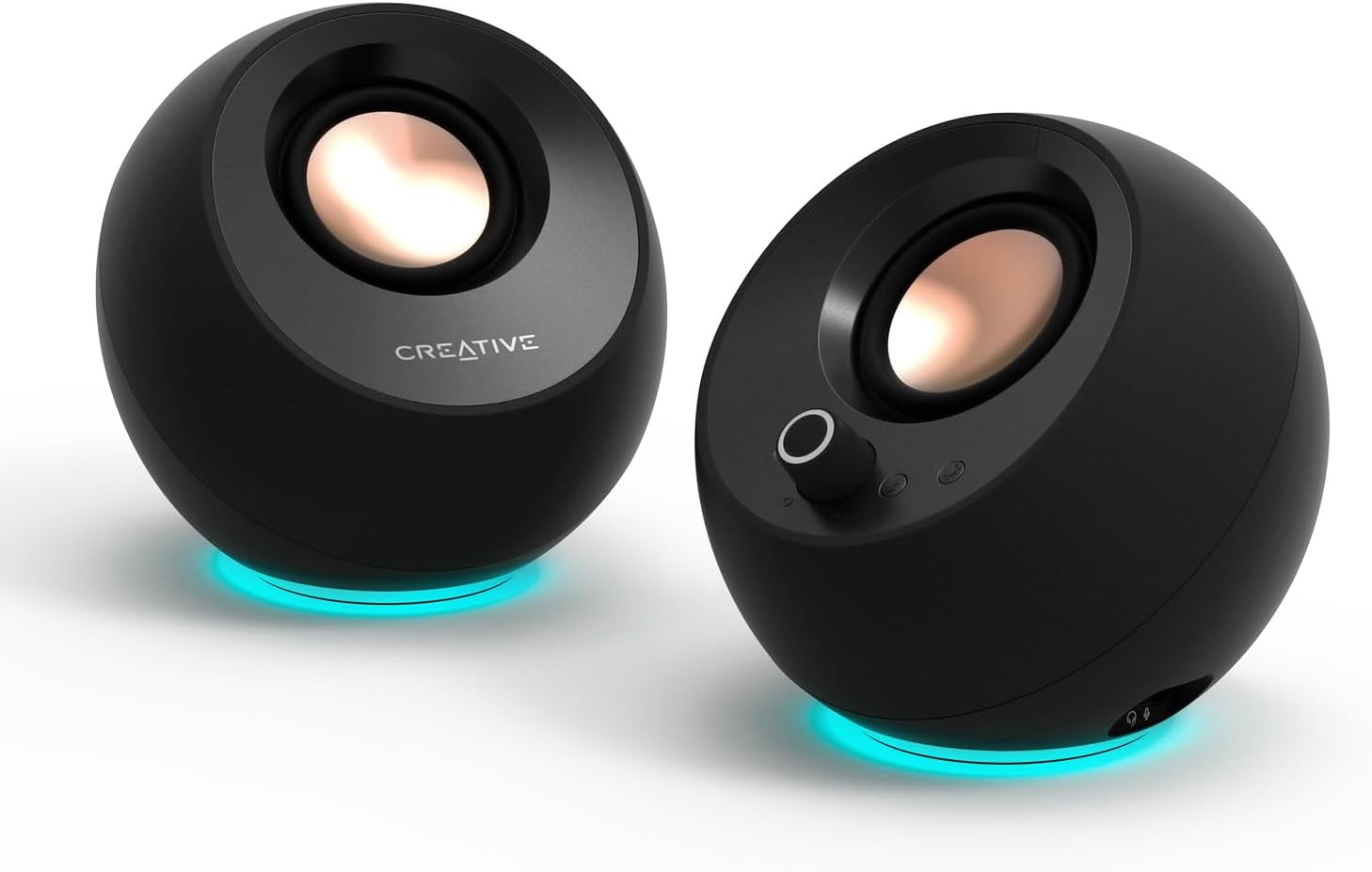
Creative's quick-start guide distinguishes up to 10 W RMS with a suitable USB-C connection from up to 30 W RMS with a compatible 30 W, 15 V/2 A USB-PD adapter. The USB-PD adapter is not included in the standard package documented by Creative.
This is the detail to understand before comparing a headline power figure. Your existing computer port and a separate power adapter are different supply arrangements, and the product's maximum advertised configuration may require equipment you do not already own.
We would consider Pebble Pro when a USB-powered stereo pair suits the desk and you are willing to check the power requirements carefully. Decide whether the ordinary documented connection is sufficient before buying an adapter solely to chase a bigger number.
Also keep the USB audio connection separate from the optional power connection in your plan. A tidy setup begins with knowing which cable does what, not finding that out after several accessories arrive.
Place the pair where you listen
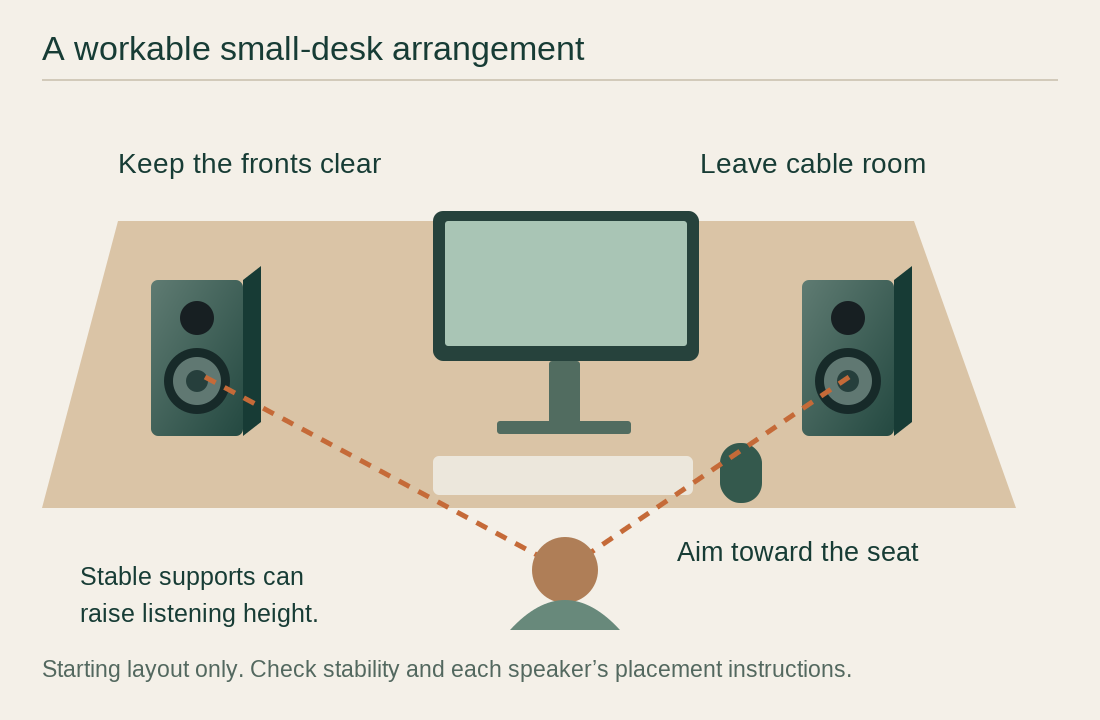
Put the speakers on opposite sides of the display, facing the listening position, and keep their front faces clear of objects. The illustration shows a starting arrangement rather than a product-specific measurement or a promise of ideal sound.
Try to make the distances from each speaker to your normal seated position reasonably similar. If one speaker is tucked behind a monitor while the other points directly at you, investigate that placement before deciding the model is the problem.
Use suitable stands or supports if they help aim the speakers toward you, following the product instructions and checking stability. Leave room for moving the display, opening a notebook, and adjusting the chair without knocking a speaker.
Listen to a familiar spoken recording and a few pieces of music after each change. Move one thing at a time so you can tell whether a different position helped, rather than changing the speaker angle, source setting, and volume together.
Check quiet use and ordinary work tasks
Before a return window ends, try the pair at the volume you use for background music. Pause playback, make a call, reconnect after a computer restart, and check how the system behaves when you switch inputs.
Choose the right microphone explicitly for calls. A speaker system improves playback, but it does not automatically provide a meeting microphone or prevent your call software from picking an unsuitable input.
For editing or games, try the intended wired connection and check the complete system's timing in the application you actually use. A Bluetooth version number by itself is not enough to establish a latency result.
Write down any annoyance while it is fresh: an inconvenient control, a cable across the mouse area, or a source that needs repeated selection. Those details often make a purchase decision clearer than another round of specification comparisons.
Add a subwoofer only for a specific reason
If you want more low-frequency output, first ask whether your room, neighbors, and listening habits can accommodate it. A small desk system does not have to become a larger floor system simply because one connection allows expansion.
Check the exact output and crossover behavior for the chosen pair before shopping for a subwoofer. A variable line output and an automatic crossover are different features, and you should not assume all the pairs above manage low frequencies in the same way.
Set a total budget that includes a suitable cable and a sensible place for the extra equipment. If the expansion plan makes your desk inconvenient, a simpler system or a different room arrangement may be the better answer.
Before you order
Confirm that the listing includes two speakers, the intended generation, and the accessories you expect. Product images can show a pair or optional equipment without describing every offer a retailer may present later.
Measure the cabinet rather than the shipping carton and allow space for plugs. If a retailer's dimensions are ambiguous, use the manufacturer's documentation or ask before buying instead of guessing which measurement is being shown.
The practical winner is the pair that fits, connects correctly, and works smoothly at your normal desk. Use the shortlist to narrow that decision, then give the final choice an honest trial in the space where it will live.
Common questions
Do powered speakers need a separate amplifier?
The pairs in this guide include amplification as part of their intended systems. Follow their documented source connections rather than connecting them as though they were passive speakers.
Is a USB-C connection always USB audio?
No. Verify the actual audio function and cable requirements for the product; a power connection alone does not establish an audio path.
Which pair has the most bass?
We have not measured comparable bass performance. Room placement, listening level, and your preferences need a suitable trial, and adding a subwoofer is a separate setup decision.
Sources & research notes
Product details checked October 14, 2026. Manufacturer descriptions establish documented features; our conditional choices and setup examples are original editorial analysis. We have not conducted hands-on performance tests. Current offers can change.
- Edifier M60 manufacturer documentation — USB-C, Bluetooth, analog input only; new facts and table labels ≤44 words; remaining prose is original decision reasoning
- Kanto UKI manufacturer documentation — USB-C, Bluetooth, RCA, headphones, swappable L/R, automatic sub crossover
- Audioengine A2+ Gen 3 manufacturer documentation — Gen 3 inputs and variable RCA output; conflicting Amazon Bluetooth version omitted
- Creative Pebble Pro manufacturer documentation — Rev B manual: USB audio/power paths, 10 W versus 30 W RMS with specified PD supply, adapter not included
- Mackie CR3.5 manufacturer documentation — Analog inputs, headphones, tone and desktop/bookshelf switch; distinguish BT model
Product images are the inspected Amazon listing’s first/main images, used on the basis of the site owner’s authorization confirmation. Scene-photo credits appear beside each photo.